Can You Imagine Sending a Personalized Email to Every Vendor, Client, or Collaborator After an Event Without Writing Them One by One?
That’s no longer just a productivity dream. Today, you can automate this process using artificial intelligence integrated into your workflows with Makeand tools like Monday.com or Google Sheets.
Here’s how we did it for an agency that manages dozens of social events per month and needed to maintain warm and professional communication after each event.
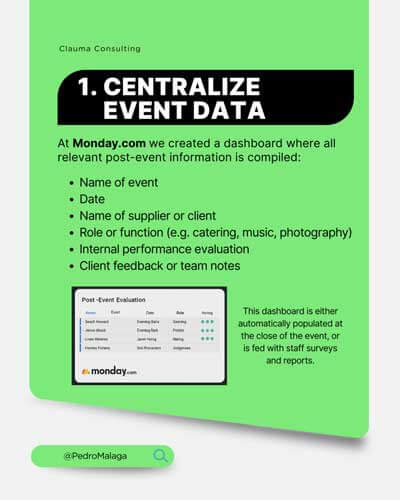
🧩 Step 1: Centralize Event Data
In Monday.com, we created a board where all relevant post-event information is collected:
Event name
Date
Vendor or client name
Role or function (e.g., catering, music, photography)
Internal performance evaluation
Client feedback or team notes
This board is filled out automatically when the event ends, or populated through surveys and staff reports.
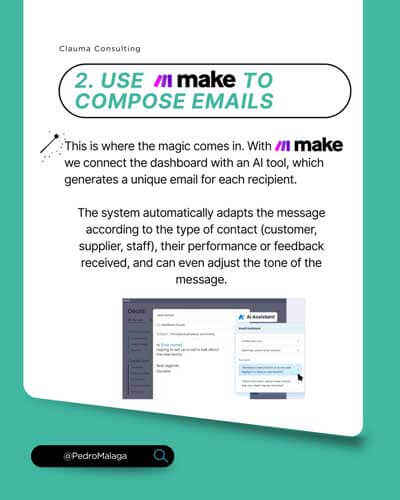
Here’s where the magic happens. With Make, we connected the board to an AI tool (like GPT or ChatGPT via API), which generates a unique email for each recipient. For example:
Hi [Name],
Thank you for joining us at the [Event Name] on [Date]!
Your work as [Role] was key to the success of the day. Our team especially appreciated [Personalized Comment].
We hope to work with you again at future events. Thanks again!
The system automatically adapts the message based on the type of contact (client, vendor, staff), their performance or feedback received, and can even adjust the tone of the message.
Not yet in monday.com or Make? Create your free account.
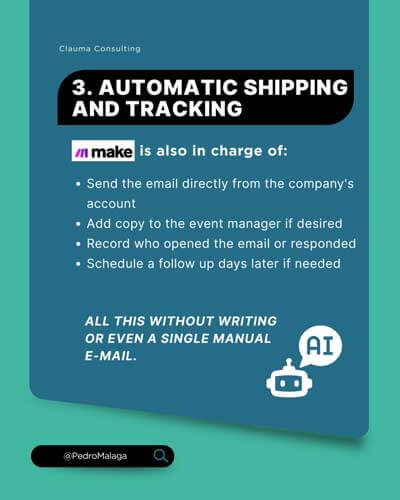
Sending the email directly from the company’s account
CC’ing the event manager if needed
Tracking who opened or replied to the email
Scheduling a follow-up a few days later, if necessary
All this without manually writing a single email.
🧠 Why Use AI for This Process? ✅ Saves hours of post-event work ✅ Improves the experience for clients and vendors ✅ Strengthens your brand as an organized, professional company ✅ Scales your communication without losing the human touch
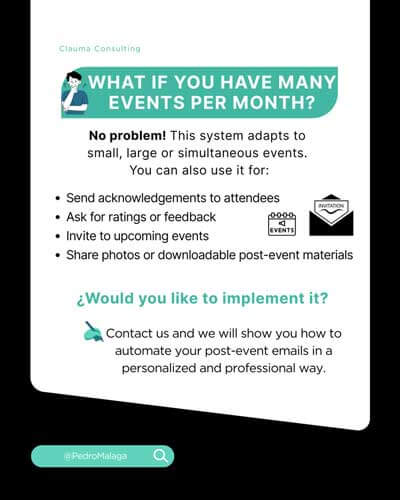
🚀 What If You Have Many Events Each Month?
No problem. This system scales to small, large, or simultaneous events. You can also use it to:
Send thank-you notes to attendees
Request feedback or ratings
Invite people to future events
Share photos or downloadable materials post-event
Want to Implement This?
We’ll help you build this system step by step, tailored to your workflow.
👉 Contact us and we’ll show you how to automate your post-event emails in a personalized and professional way.
This website uses cookies to improve your experience. We'll assume you're ok with this, but you can opt-out if you wish. Cookie settingsACCEPT
Privacy & Cookies Policy
Privacy Overview
This website uses cookies to improve your experience while you navigate through the website. Out of these cookies, the cookies that are categorized as necessary are stored on your browser as they are essential for the working of basic functionalities of the website. We also use third-party cookies that help us analyze and understand how you use this website. These cookies will be stored in your browser only with your consent. You also have the option to opt-out of these cookies. But opting out of some of these cookies may have an effect on your browsing experience.
Necessary cookies are absolutely essential for the website to function properly. This category only includes cookies that ensures basic functionalities and security features of the website. These cookies do not store any personal information.
Any cookies that may not be particularly necessary for the website to function and is used specifically to collect user personal data via analytics, ads, other embedded contents are termed as non-necessary cookies. It is mandatory to procure user consent prior to running these cookies on your website.
Share this ArticleLike this article? Email it to a friend!